
Corporate
Americas
United States & Canada
México
America Latina
Brasil
Oceania
Australia
New Zealand
Europe
Asia
India
Indonesia
Malaysia
Philippines
Singapore
Thailand
Vietnam
日本
中国
대한민국
台湾
Other Countries
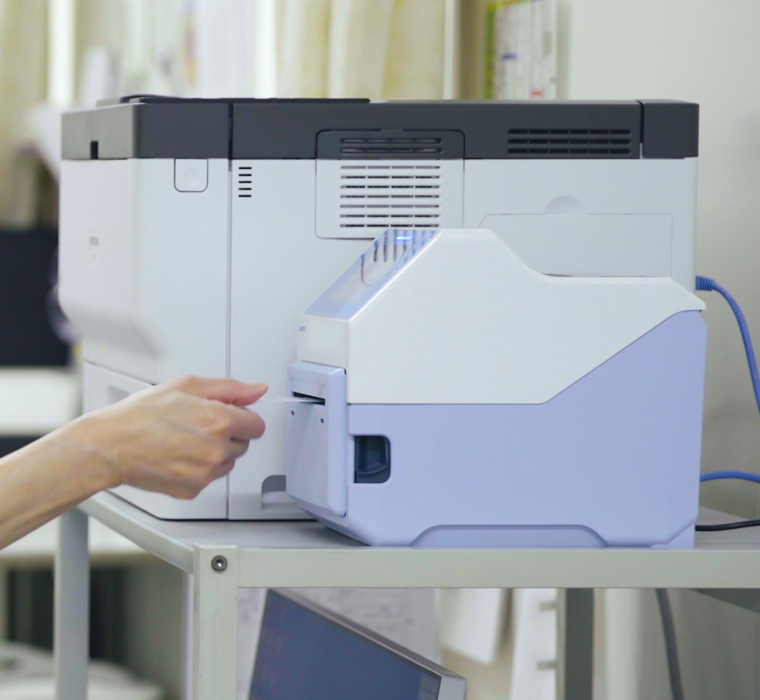
LCD touch panel for more efficient printer management
Contact button for faster response to problems
Challenges
The printer’s on-screen interface is difficult to understand, leading to frequent operating errors
Custom-made stickers are being used for asset management, creating extra manual work
When a malfunction occurs, staff are unsure where to direct inquiries

Printers with Safety Function Monitor
Benefits
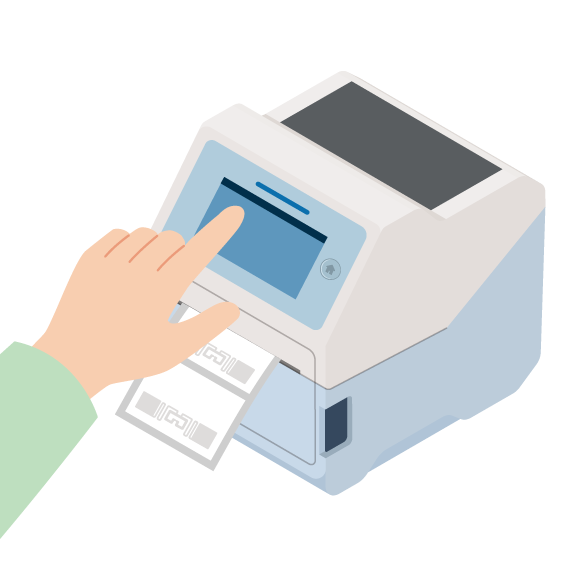
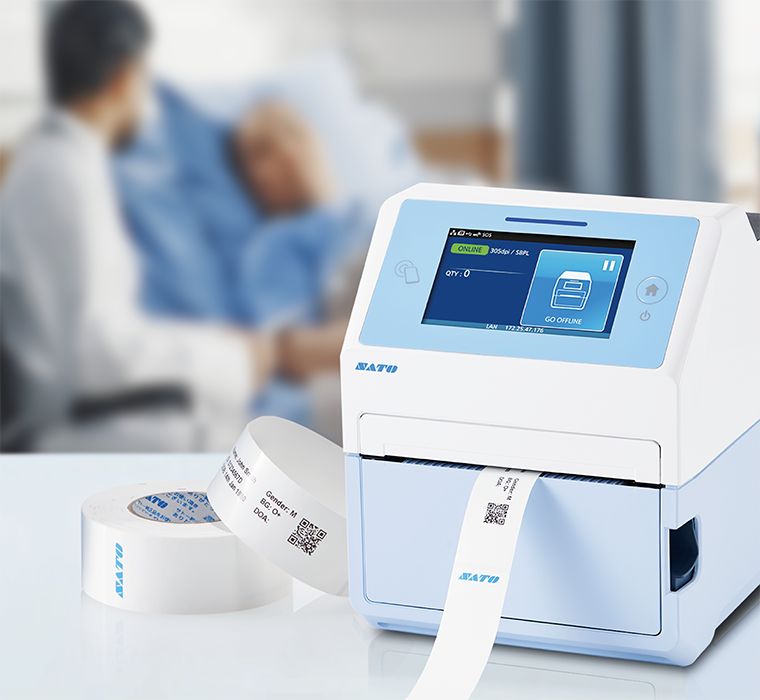
Instant visibility of online status
The printer’s operating status (online/offline) is displayed prominently on the screen.
With its clear, easy-to-see indicator, manual confirmation checks are no longer necessary.
Efficient printer management
Information such as IP address, usage purpose, and managing department is displayed directly on the printer screen.
This eliminates the need for custom-made stickers traditionally used for asset management.
Because these fields can be freely customized, the system can flexibly adapt to each facility’s management requirements.
One-touch access for support inquiries
Model name, serial number, contact information, and other essential details are consolidated and displayed on a single screen.
Staff can quickly identify the correct point of contact, ensuring smooth and error-free support inquiries.
Help videos for immediate guidance
If users are unsure about an operation, they can simply tap the Help Video button on the screen.
Step-by-step procedures—such as how to replace components—can be viewed instantly, allowing even less experienced staff to respond immediately.
SATO AEP (Application Enabled Printing): Standalone label printing
SATO AEP (Application Enabled Printing) enables applications to run directly inside the label printer, allowing labels to be printed without a PC. This eliminates PC installation requirements and OS compatibility concerns, enabling simple, stable, and streamlined operation.
Related Solutions

SATO support starts here
Need specifics on products or pricing?
Connect with our technical experts for fast, reliable support.